
Menu
RV Power Calculator
RV power planning is a bundle problem: steady loads, overnight medical comfort, internet, refrigeration, and solar input all interact.
Calculator
Start with a quick estimate, then switch to Advanced if you need multiple devices, startup surge, battery health, or cold-weather loss.
Loading calculatorPreparing calculator
This tool didn't load
Something blocked the calculator from starting. Check your connection or reload the page to try again.
Power station model
Battery capacity (Wh): 1024 WhContinuous output rating (W): 1800 WSurge output rating (W): 2700 W
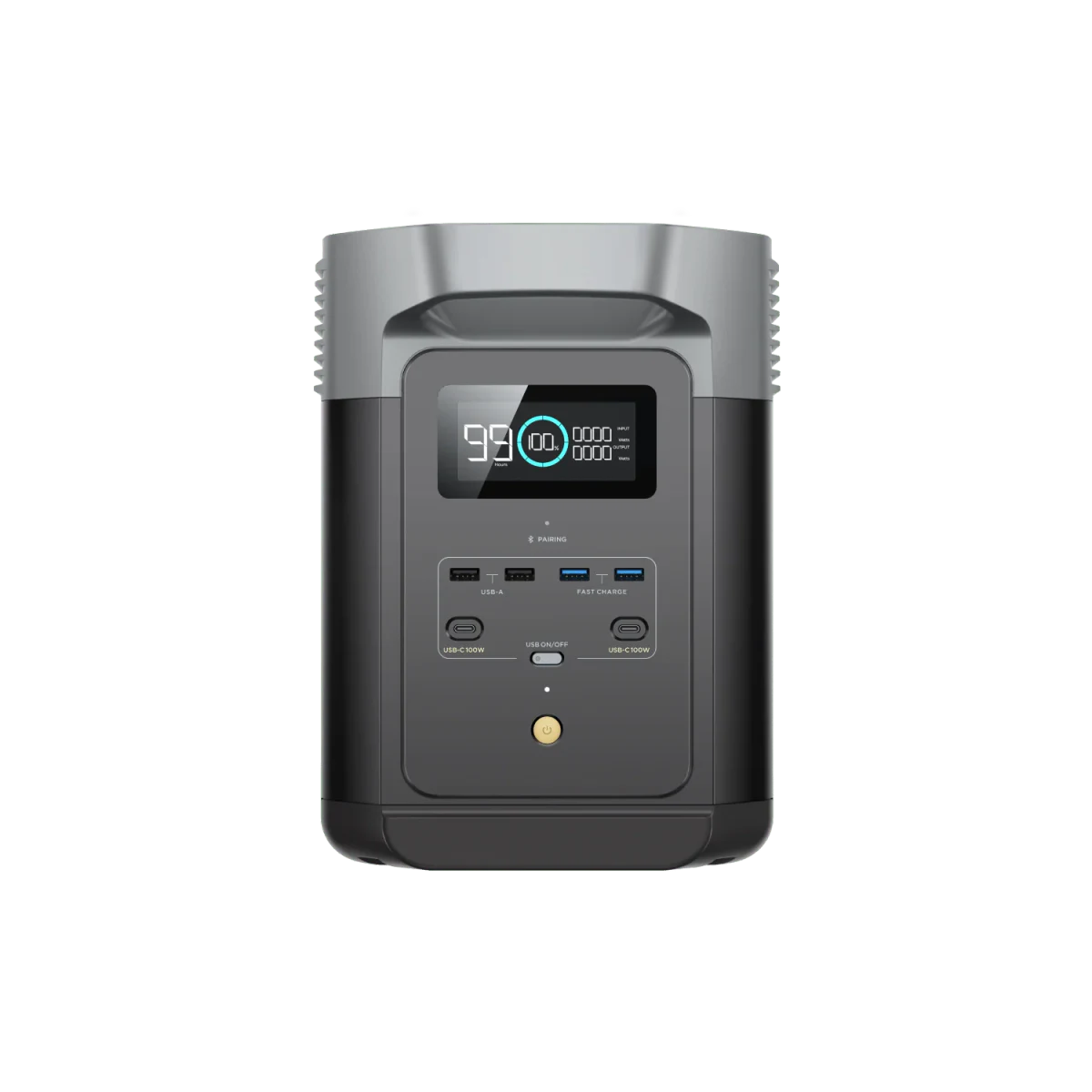
Estimated runtime2d 19h1d 18h – 3d 11hEstimated runtime: 2d 19h, 1d 18h – 3d 11h
Device scenario
Output path
Router wattage is usually steady, but modem, ONT, and mesh nodes should be counted as separate loads.
Estimated runtime
Within the tracked power limits; compatibility still needs checking
This is an estimate. Real runtime changes with load, temperature, battery age, AC/DC output, and device behavior. Runtime is conditional on successful startup, compatible voltage/connectors and sufficient output. Verify the actual device setup before relying on these hours.
2d 19hEstimated runtime: 2d 19hThis setup has comfortable headroom for overnight use, assuming the wattage estimate is realistic.
Conservative1d 18h
Estimated2d 19h
Optimistic3d 11h
These are calculated sensitivity cases, not a statistical confidence interval. Conservative uses lower efficiency and battery health, more reserve/temperature loss and higher load; optimistic changes these assumptions in the opposite direction.
- This is an estimate. Real runtime changes with load, temperature, battery age, AC/DC output, and device behavior. Runtime is conditional on successful startup, compatible voltage/connectors and sufficient output. Verify the actual device setup before relying on these hours.
- Within the tracked power limits; compatibility still needs checking
Show your work
Rated Wh is reduced by efficiency, reserve, battery health, and temperature before it is divided by average load.
- Rated battery
- 1024 Wh
- Usable energy
- 811 Wh
- 1024 Wh x 88% x 90% x 100% x 100%
- Running watts
- 12 W
- Average load
- 12 W
- Max surge
- n/a
- Fixed station overhead
- Unknown (not included)
- 12 W / 88% = 13.6 W battery draw; fixed overhead is unknown and excluded
- Estimated runtime
- 2d 19h
- 811 Wh / 12 W = 2d 19h
- Output path
- AC inverter
- Efficiency (%)
- 88
- Reserve kept unused (%)
- 10
- Battery health (%)
- 100
- Cold weather loss (%)
- 0
This link contains the numeric values you entered, but not custom load names.
Source-Backed Next Steps
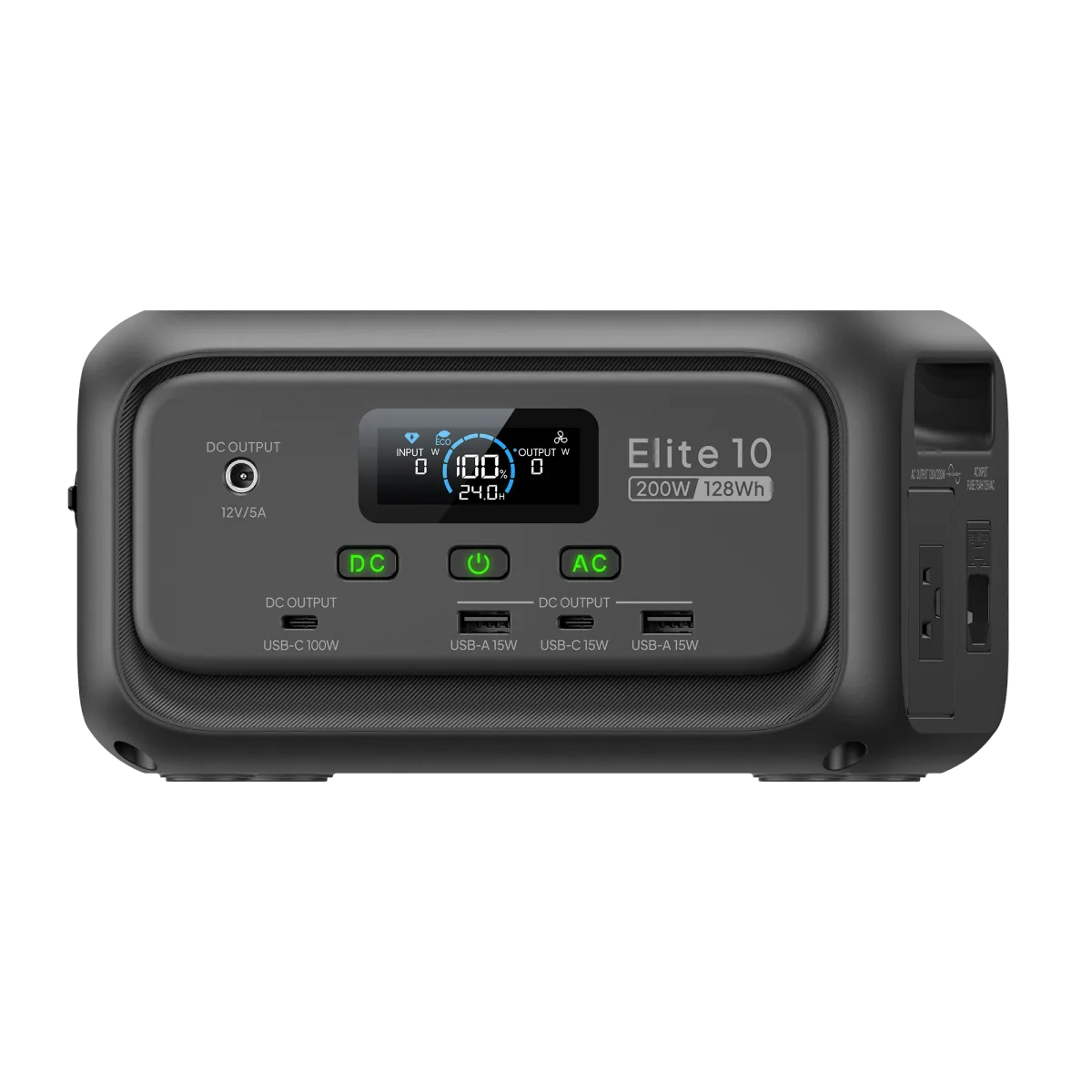
Smallest matching record (8h)BLUETTI Elite 10
WattRunTime.com
WattRunTime estimate
Estimated runtime
2d 19hThis setup has comfortable headroom for overnight use, assuming the wattage estimate is realistic.Usable energy811 Wh
Average load12 W
Fixed station overheadUnknown (not included)
Running watts12 W
Max surgen/a
Runtime range
Conservative1d 18h
Estimated2d 19h
Optimistic3d 11h
Show your work
Rated Wh is reduced by efficiency, reserve, battery health, and temperature before it is divided by average load.
Usable energy811 Wh1024 Wh x 88% x 90% x 100% x 100%
Fixed station overheadUnknown (not included)12 W / 88% = 13.6 W battery draw; fixed overhead is unknown and excluded
Estimated runtime2d 19h811 Wh / 12 W = 2d 19h
Assumptions
- 1024 Wh nominal battery capacity
- AC inverter output path
- 88% conversion efficiency
- 10% reserve kept unused
- 12 W average load from 1 load
- 100% battery health
- 0% temperature loss
- Fixed station overhead unknown; not included
Warnings
- This is an estimate. Real runtime changes with load, temperature, battery age, AC/DC output, and device behavior. Runtime is conditional on successful startup, compatible voltage/connectors and sufficient output. Verify the actual device setup before relying on these hours.
- Within the tracked power limits; compatibility still needs checking
Share URL
Best for
Plan off-grid RV load coverage.
Wi-Fi router worked example
A 1,024 Wh station with 10% reserve and 88% efficiency leaves about 811 Wh before load behavior. Using this page's 12 W default at 100% duty cycle, the planning load is about 12 W and the estimate is 2d 19h.
Change first
- Change watts first if your device label, meter reading, or power path differs from the default.
- Check startup surge for motors, compressors, and pumps.
- Use measured watts for outage or medical-adjacent planning.
Travel plug and voltage check
For RV trips or imported gear, confirm plug shape and local voltage before assuming an AC outlet or adapter is safe.
Wi-Fi router assumptions
Review the Wi-Fi router scenario page when you need the wattage range, duty cycle, confidence label, and source notes before calculating runtime.
This calculator gives a planning estimate. Treat the result as a starting point, then refine it with measured watts, the device manual, and the station's current output limits.
Verify your watts
- Check the device label for running watts or input amps and volts.
- Use a plug-in watt meter for AC loads when the result matters.
- For cycling loads, measure long enough to capture on/off behavior.
Check output path
- AC inverter loads usually lose more energy than direct DC loads.
- Keep reserve for cold weather, battery age, and load changes.
- Do not treat label capacity as fully usable watt-hours.
Check surge and output
- Runtime does not prove a station can start a compressor or motor.
- Compare device startup watts with the station surge rating.
- Compare running watts with the station continuous output rating.
Medical-device planning
- Use this site as a planning estimate, not medical advice.
- Follow the device manufacturer's battery guidance.
- Test the full setup before relying on it overnight.
Related Guides
Use these explainers when an assumption changes the runtime result.
Efficiency guide
Inverter Efficiency Losses
Apply the guide to this use case's load and operating pattern.
Related Calculators
Use the related tools when charging, sizing, surge, or power path changes the answer.
FAQ
These answers keep the estimate grounded in assumptions instead of pretending runtime is exact.
Can solar input extend runtime?
Yes, but solar output depends on panel wattage, sun angle, clouds, temperature, wiring, and charge controller limits. Do not count nameplate panel watts as guaranteed input.
Should I reserve 20% battery?
A 10% to 20% reserve is a practical buffer for uncertainty, startup spikes, and avoiding a completely empty station during an outage.
Does cold weather reduce runtime?
Yes. Cold batteries can deliver less usable energy, and heaters, routers, and satellite dishes can also draw more power in harsh conditions.
Why is real runtime lower than the label capacity?
Battery label capacity is nominal. Inverter losses, DC conversion losses, reserve settings, cold weather, battery age, and changing device loads all reduce real runtime.
How do you calculate portable power station runtime?
Use usable watt-hours divided by average load watts. For AC loads, a practical first-pass formula is battery Wh x efficiency x reserve factor divided by device watts.
What efficiency should I use for AC devices?
Use 80% to 90% for most AC inverter loads unless you have measured data. The default calculator value is 85%.