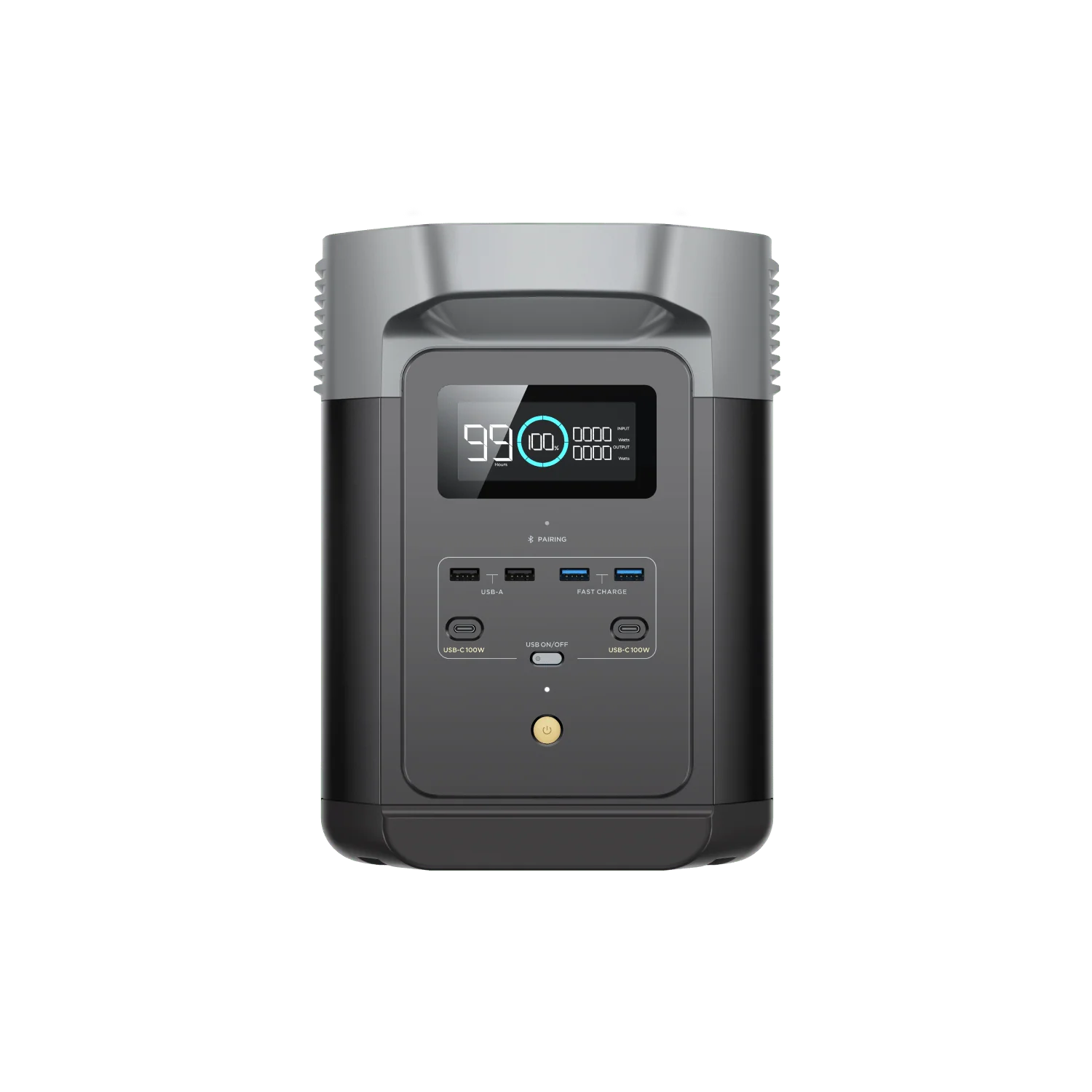
Power station modelEcoFlow DELTA 2
Battery capacity (Wh): 1024 WhContinuous output rating (W): 1800 WSurge output rating (W): 2700 W
portable power station runtime calculator
Use this calculator when you know the battery size and the device wattage, or when you want a quick sanity check before an outage or trip.
Start with a quick estimate, then switch to Advanced if you need multiple devices, startup surge, battery health, or cold-weather loss.
Something blocked the calculator from starting. Check your connection or reload the page to try again.
Estimated runtime
13h 3mThis setup has comfortable headroom for overnight use, assuming the wattage estimate is realistic.
Conservative assumes harder conditions; optimistic assumes favorable conditions.
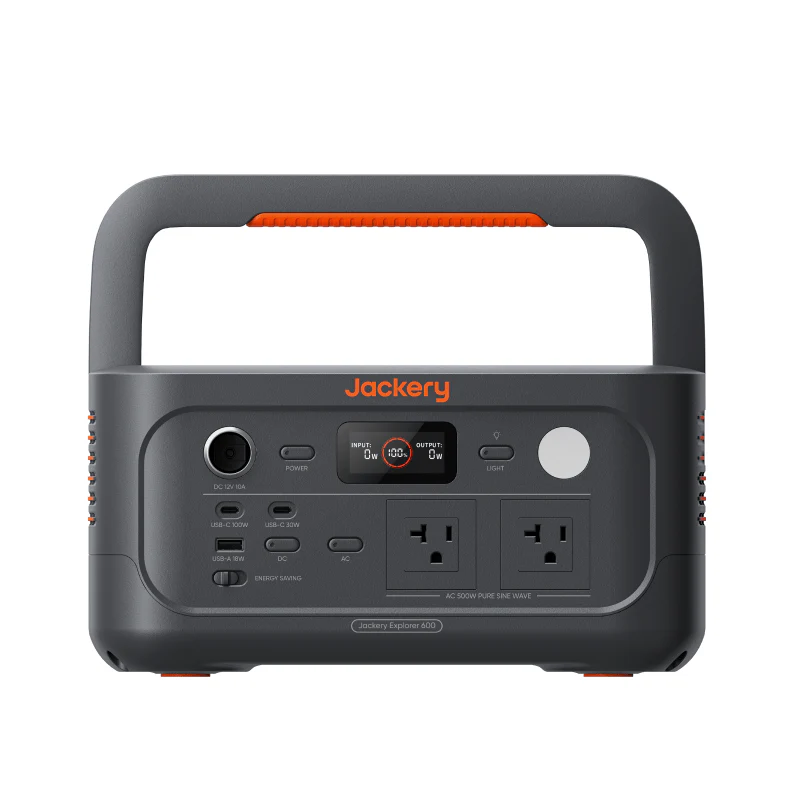 Smallest matching recordJackery Explorer 600 v2
Calculate how long a station will run a known load.
A 1,024 Wh station at 85% AC efficiency with a 10% reserve leaves about 783 Wh usable. At a steady 60 W load, that works out to 13h 3m.
Use the related tools when charging, sizing, surge, or power path changes the answer.
These answers keep the estimate grounded in assumptions instead of pretending runtime is exact.
Use usable watt-hours divided by average load watts. For AC loads, a practical first-pass formula is battery Wh x efficiency x reserve factor divided by device watts.
Battery label capacity is nominal. Inverter losses, DC conversion losses, reserve settings, cold weather, battery age, and changing device loads all reduce real runtime.
Use 80% to 90% for most AC inverter loads unless you have measured data. The default calculator value is 85%.
DC loads can often do better than AC because the inverter stays off. Use 88% to 95% only when the voltage path is appropriate and the device is stable.
Not for AC loads. A 1000Wh station at 85% efficiency with a 10% reserve gives about 765Wh usable for the load.
A 10% to 20% reserve is a practical buffer for uncertainty, startup spikes, and avoiding a completely empty station during an outage.
Device labels are often maximum ratings. A watt meter shows real average draw and makes runtime estimates much more reliable.